Order summary, cancellation, daily closing
Every receipt becomes an order summary, a cancelled receipt a cancellation, and at the end of the day a daily closing according to the weekly opening hours. The cloud checks that NTAK accepted them.
NTAK for hospitality
As a hospitality business you have to send order summaries and a daily closing to NTAK. L-Kassza handles this from the cloud: it builds the messages from the receipts, sends them, checks that they were accepted, and sends the closing at the end of the day. On the portal you see what went through and what got stuck.
A few minutes, no bank card needed.
What you get
Every receipt becomes an order summary, a cancelled receipt a cancellation, and at the end of the day a daily closing according to the weekly opening hours. The cloud checks that NTAK accepted them.
Each service location sends with its own NTAK certificate. The cloud stores the key encrypted, and you see the expiry on the Status tab.
The portal generates the request (CSR) for you to download, and you upload the certificate received from the NTAK portal in the same place. No separate tool needed.
Main and sub-category, NTAK unit and multiplier on every product; you get suggestions from the name and the volume, and you can classify in bulk. It can also be uploaded from an Excel template.
Takeaway VAT can be chosen per item; eat-in is decided by the site default and the table order. Cash, card, SZÉP card: the payment methods go as NTAK expects them.
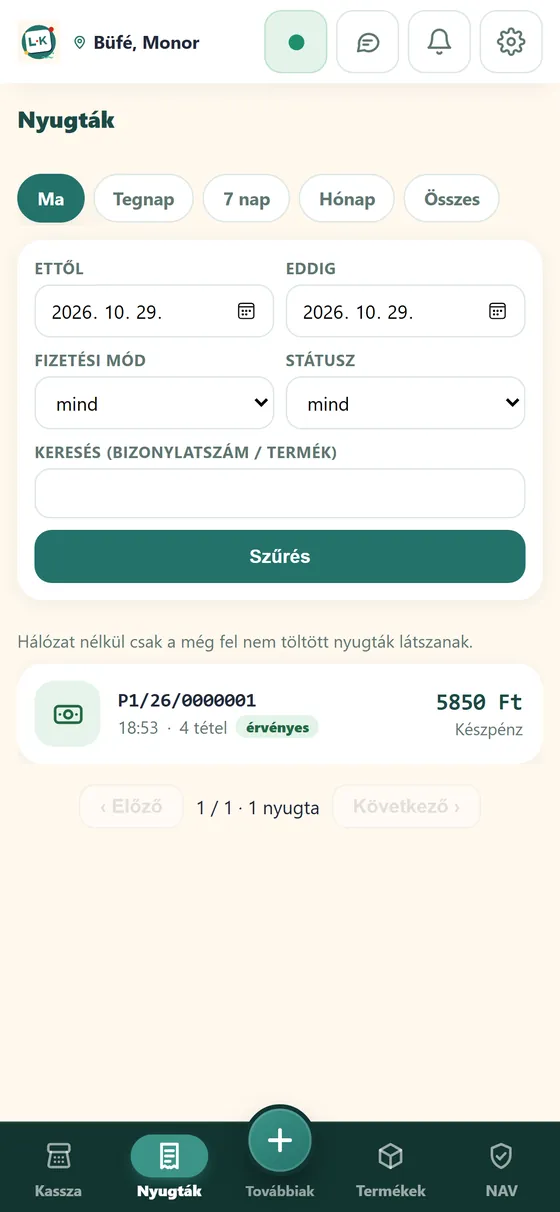
On the Status, Submissions, Receipts and Daily closings tabs you see pending and failed items with their error code, and you can resend them. Connection test with one click.
NTAK reporting is an optional feature: it shows only for hospitality accounts, you switch it on per site with a start date. Receipts issued with a cash register in cash-register mode go to NTAK too: the cash register reports to NAV, L-Kassza to NTAK.
How it works
On the portal, in the account settings. From then on the NTAK fields and the NTAK menu are visible.
Tax number, the registration number of the hospitality unit, weekly opening hours; certificate request and upload of the certificate you received.
NTAK category, unit and multiplier, with suggestions and bulk classification.
With a start date; from that day L-Kassza sends and you switch off the old sender. You follow the status on the portal.
FAQ
NTAK is the Hungarian National Tourism Data Supply Centre: hospitality units report their orders and daily closing. L-Kassza sends the order summaries, cancellations and daily closing from the cloud, with your own NTAK certificate, per site.
No. The portal generates the certificate request for you to download, and you upload the certificate received on the NTAK portal in the same place. The key stays in the cloud, encrypted; until renewal the old certificate stays untouched.
Yes. Receipts issued with the cash register also go to NTAK from L-Kassza: the cash register reports to NAV, L-Kassza to NTAK.
On the web you see daily turnover, period comparisons, opening-hours analysis and sales by item. Reports can be downloaded and passed on to your accountant.
The free plan covers up to 10 receipts a day. The paid plans cost 2,000 HUF, 4,000 HUF and 10,000 HUF net per month + VAT; with annual payment you use 12 months for the price of 10.
Signing up takes a few minutes, and you can issue receipts right away.