Three kinds of sites
A fixed site has one address, a variable site has several addresses (you pick the current one on the device), and a mobile stall has no address.
What you get
A fixed site has one address, a variable site has several addresses (you pick the current one on the device), and a mobile stall has no address.
Every site has its own page in the web portal, and the addresses are shown on a map.
You can manage products per site, and move them from one site to another.
Every device has its own receipt prefix. A new device is added with an email address and password, without a PIN.
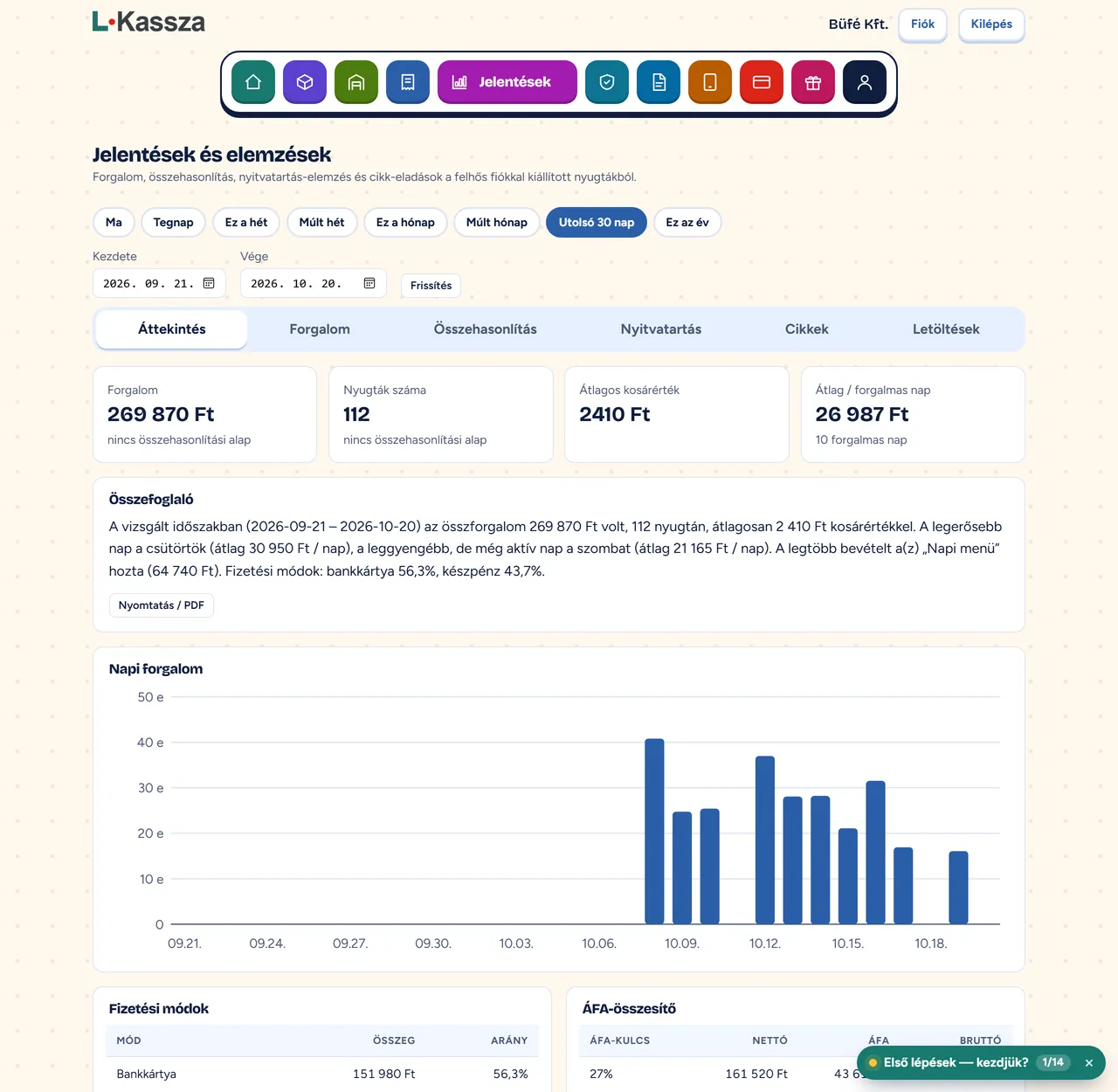
Receipts, daily turnover, period comparisons, sales by item: together and per site.
The company is in one account, and the sites and devices belong to it.
Videos
A short video: cash, card and VAT breakdown at the end of the day, per site too.
How it works
In the web portal you add the site and its address, or choose that it is a mobile stall.
You add a new device with an email address and password, assigned to the site.
You manage products per site or shared, and see the reports together and separately.
FAQ
Yes. Every site has its own page and address in the web portal, and you can see the sites on a map. You can manage products per site, and move them from one site to another.
On the web you see daily turnover, period comparisons, opening-hours analysis and sales by item. Reports can be downloaded and passed on to your accountant.
You can use it on an Android phone or tablet (installable from Google Play), on Windows, and from a browser. On a bank terminal, you install the app from the terminal’s own app store.
The free plan covers up to 10 receipts a day. The paid plans cost 2,000 HUF, 4,000 HUF and 10,000 HUF net per month + VAT; with annual payment you use 12 months for the price of 10.
Signing up takes a few minutes, and you can issue receipts right away.