The daily summary goes by itself
The cloud submits the daily summary to NAV. Automatic submission is included in every paid plan.
What you get
The cloud submits the daily summary to NAV. Automatic submission is included in every paid plan.
The submission status is visible in the app and on the web. If anything gets stuck, you get a notification on your phone.
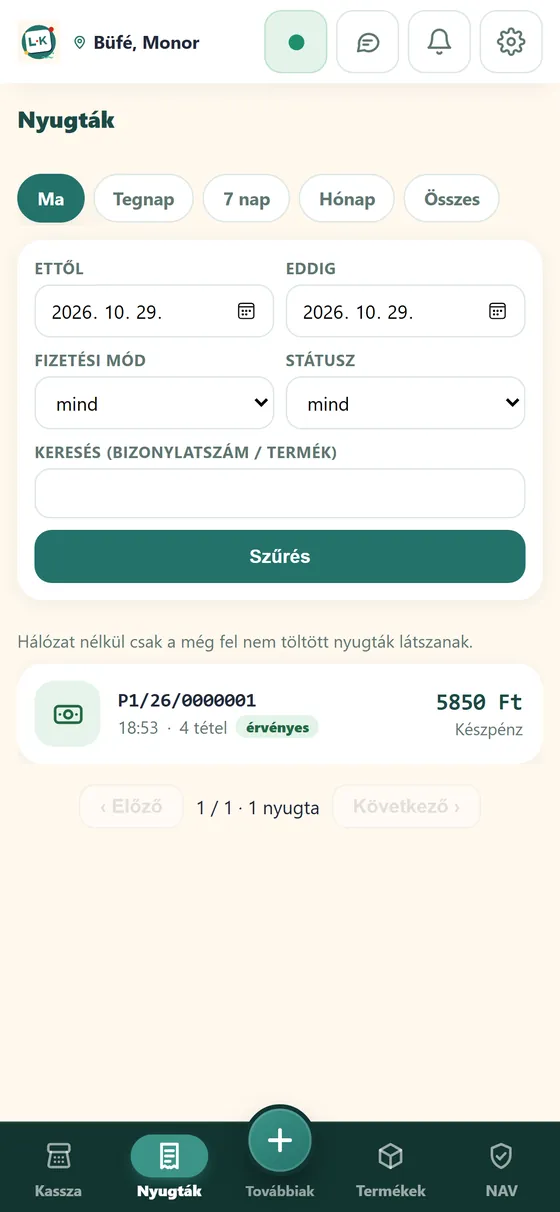
Receipts are created on the device and upload by themselves when the connection returns; reporting continues from there.
Plan 3 also includes cloud invoicing: customer details stay in your partner list, and the invoice can be emailed.
The receipt can be printed, or emailed to the customer.
You enter the NAV technical user’s details once in the web portal. If you do not have them yet, selling still works.
Videos
Two short videos: NAV data submission is automatic, and if something gets stuck, L-Kassza tells you.
How it works
You will need the technical user you received from NAV.
You enter the user’s name, password, signing key and exchange key in the web portal.
After that, the daily summary goes by itself, and you see its status in the app and on the web.
FAQ
The NAV technical user’s name, password, signing key and exchange key; you can enter them in the web portal. If you do not have them yet, selling still works, and you switch on reporting later.
The system submits the daily summary to NAV (automatic submission is included in every paid plan). Its status is visible in the app and on the web, and if anything gets stuck you get a notification on your phone.
Yes, Plan 3 also includes cloud invoicing. Customer details are kept in your partner list, the invoice can be emailed, and the system takes care of NAV reporting.
NTAK is the Hungarian National Tourism Data Supply Centre: hospitality units report their orders and daily closing. L-Kassza sends the order summaries, cancellations and daily closing from the cloud, with your own NTAK certificate, per site.
Yes. Receipts are created on the device and upload by themselves when the connection returns. A market stall or weak signal does not stop your sales.
Signing up takes a few minutes, and you can issue receipts right away.